

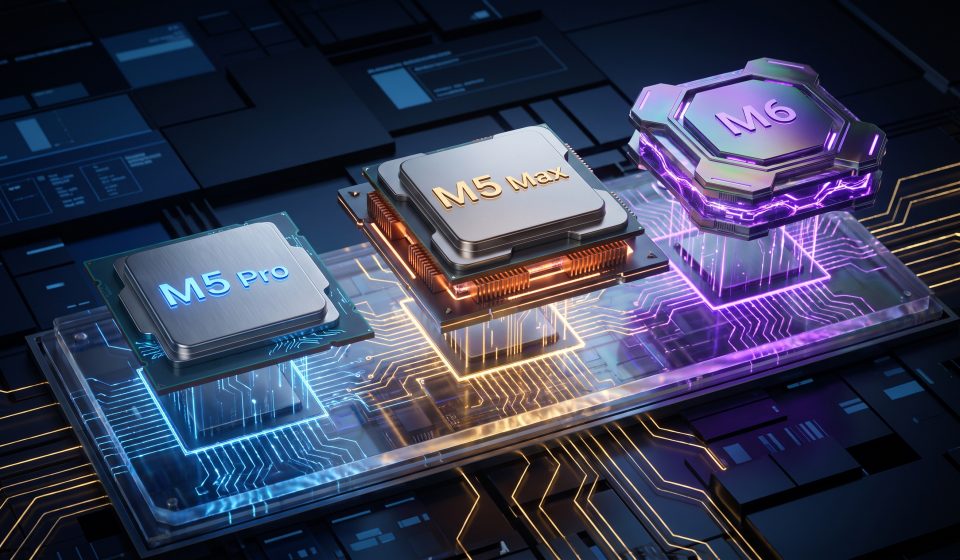

Apple’s October 2026 announcements have made the MacBook Pro buying decision more interesting. The company introduced a 14-inch MacBook Pro with M6 on October 27, followed by touchscreen PROLED XDR models with M5 Pro and M5 Max on October 28.
That means the newest chip name does not automatically identify the most suitable MacBook Pro for demanding professional work.
Buyers need to compare processor tiers, memory requirements, display technology, and the applications they actually use.
Understanding Apple’s Chip Tiers
Apple silicon models are designed for different performance needs.
A standard chip is generally intended for broad productivity and mainstream professional use, while Pro and Max variants target increasingly demanding workloads.
However, a newer standard chip should not automatically be assumed to outperform an older higher-tier chip in every task.
Performance depends on CPU resources, GPU capability, memory bandwidth, software optimization, and sustained thermal behavior.
M6 MacBook Pro
Apple introduced the 14-inch MacBook Pro with M6 as a separate product from the new touchscreen PROLED XDR models.
The M6 model may appeal to users who want a newer-generation MacBook Pro for general productivity, development, and creative work without necessarily requiring the premium touchscreen configuration.
Buyers should evaluate its specific memory, storage, display, and connectivity options.
M5 Pro MacBook Pro
M5 Pro is designed for users with demanding professional applications.
It may be particularly appropriate for software developers, photographers, video editors, and users who run multiple resource-intensive applications.
The new PROLED XDR touchscreen models pair M5 Pro performance with Apple’s advanced display and redesigned chassis.
M5 Max MacBook Pro
M5 Max targets users with especially demanding graphics, computational, or memory-intensive workflows.
Examples include complex 3D projects, visual effects, high-resolution video production, and certain local AI applications.
Its additional capabilities are most valuable when software can take advantage of them.
Comparison by Workload
| Workload | Configuration to consider |
|---|---|
| Documents, browsing, meetings | M6 |
| General software development | M6 or M5 Pro |
| Large development projects | M5 Pro, with sufficient memory |
| Professional photo and video editing | M5 Pro or M5 Max |
| Complex 3D rendering | M5 Max |
| Large local AI workloads | Memory-rich M5 Pro or M5 Max configurations |
These are buying guidelines, not measured benchmark results. Actual performance varies by application and configuration.
Why Unified Memory Matters
Apple silicon uses unified memory that can serve CPU, GPU, and other processing components.
For some workloads, sufficient memory capacity matters more than moving to a higher chip tier.
Large development environments, virtual machines, creative projects, and AI models can require substantial memory.
Buyers should estimate their memory needs before selecting a processor.
Why Storage Matters
Professional projects can consume storage quickly.
Video footage, large image libraries, virtual machines, and development environments may require more capacity than typical office workloads.
External storage can help, but it may not replace the convenience of sufficient internal storage.
Does the Touchscreen Change the Decision?
Yes. The new PROLED XDR models introduce touch alongside advanced display capabilities.
For visual professionals, those improvements may justify choosing an M5 Pro or M5 Max model over another configuration.
For users who rarely interact directly with the display, processor performance and price may be more important.
Compare Existing MacBook Pro Configurations
AztekComputers lists several MacBook Pro configurations that buyers can evaluate alongside the newly announced models:
Confirm exact chip specifications, memory, storage, screen size, and stock status. These product pages should not be represented as new touchscreen configurations without explicit confirmation.
Should You Buy the Most Expensive Model?
Not automatically.
A higher-tier processor may offer little practical benefit if your applications do not use its additional resources.
It is often better to choose a balanced configuration with sufficient memory and storage than to maximize processor specifications at the expense of other requirements.
Final Verdict
M6, M5 Pro, and M5 Max serve different buyers.
M6 is worth considering for mainstream and general professional needs. M5 Pro targets demanding workflows, while M5 Max is designed for users who need additional high-end capabilities.
For an overview of the new display, read our PROLED XDR MacBook Pro guide.
Frequently Asked Questions
Is M6 faster than M5 Max?
A newer chip name does not establish superiority in every workload. Compare verified benchmarks for the applications you use.
Which chip is best for video editing?
M5 Pro and M5 Max are worth considering for professional editing, depending on project complexity and budget.
Which MacBook Pro is best for coding?
M6 or M5 Pro may suit many developers. Memory requirements are especially important for larger projects.
Does M5 Max support the new touchscreen?
Apple offers M5 Max in its newly announced PROLED XDR touchscreen MacBook Pro models.
Should I prioritize RAM or chip performance?
Choose based on workload. Memory capacity can be a critical limitation for development, virtualization, and local AI applications.