

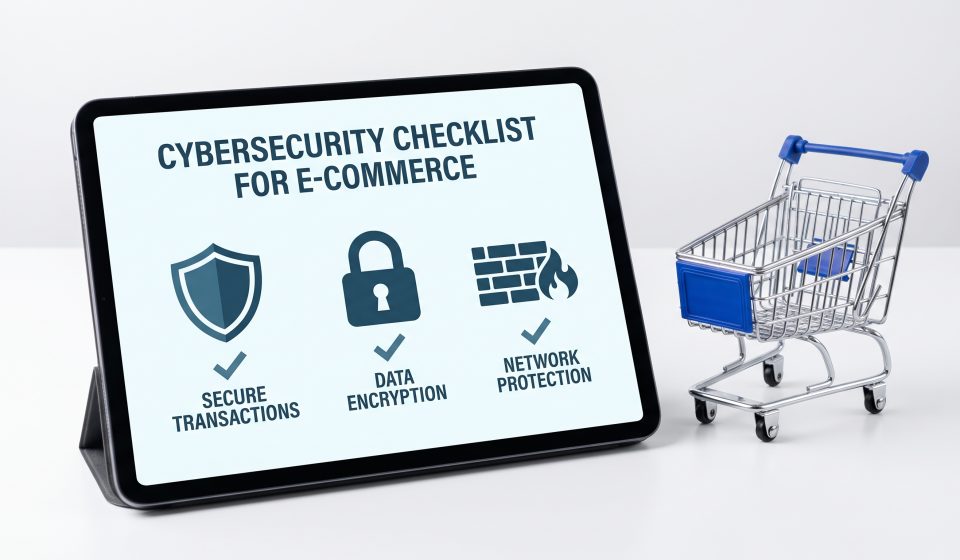
PHP Security Checklist for E-commerce Websites: Protect Your Online Store in 2026

E-commerce websites depend on secure, reliable infrastructure. A vulnerability affecting the server-side runtime can create risks that extend beyond a single webpage, potentially disrupting shopping carts, customer accounts, order processing, and administrative workflows.
The October 2026 PHP security warnings highlight the importance of maintaining the technology underneath an online store.
Whether your business uses a PHP-based ecommerce platform or a custom application, the following checklist provides a practical starting point for security management.
1. Maintain an Inventory of Applications
Identify every production and staging application using PHP. Record the platform, PHP runtime, hosting provider, and responsible administrator.
Include older applications and internal tools that may not receive regular attention.
2. Keep PHP Supported and Patched
Use maintained PHP releases and vendor-supported packages. Monitor official security advisories and apply verified updates promptly.
For the October 2026 vulnerabilities, consult the official PHP release notes for the confirmed remediation.
3. Update Ecommerce Software
Maintain the ecommerce platform, plugins, extensions, themes, and custom integrations.
Review changes before deployment and remove software that is no longer needed.
4. Protect Administrative Accounts
Use strong, unique credentials and multifactor authentication where supported.
Give staff only the permissions needed for their responsibilities. Review access when roles change or employees leave.
5. Secure Customer Information
Collect only information necessary for legitimate business operations. Apply appropriate access restrictions and retention practices.
Use payment processing arrangements designed to minimize unnecessary handling of sensitive payment data.
6. Maintain Reliable Backups
Back up application files, databases, and important configuration information.
Store backups securely and test restoration procedures. Backups should be protected from unauthorized modification or deletion.
7. Monitor Server and Application Logs
Review relevant authentication, application, and security logs for suspicious behavior.
Establish a process for escalating unexpected file changes, unusual requests, and unauthorized access attempts.
8. Protect Checkout and Order Workflows
After major updates, test product selection, cart operations, checkout, order creation, and customer notifications.
Security maintenance should be coordinated with operational testing so the business can identify failures quickly.
9. Review Third-Party Integrations
Payment gateways, shipping services, analytics tools, and inventory systems may connect to your store.
Review access permissions and credentials. Remove integrations that are no longer required.
10. Prepare an Incident Response Plan
Define who investigates suspected incidents, who communicates with hosting providers, and how critical services can be isolated when necessary.
Document procedures for preserving evidence, restoring services, and notifying affected parties when legally required.
11. Test Security Changes
Use staging environments for significant changes where practical. Validate critical functionality before and after deployment.
Do not leave staging systems exposed with weak credentials or outdated software.
12. Review Infrastructure Regularly
Security is an ongoing process. Schedule periodic reviews of software versions, user accounts, backups, monitoring, and vendor responsibilities.
For details about the current PHP incident, read Critical PHP Vulnerabilities 2026. You can also follow our PHP version and update guide.
Final Thoughts
A secure ecommerce operation requires attention to software, infrastructure, access controls, and business processes.
Emergency vulnerabilities make headlines, but consistent maintenance and preparation are what help organizations respond effectively.
Frequently Asked Questions
Why is PHP security important for ecommerce?
PHP may process critical application functions, so vulnerabilities can affect the security and reliability of the store.
Does HTTPS protect against PHP vulnerabilities?
No. HTTPS protects network communication but does not fix server-side runtime flaws.
How often should an ecommerce site be backed up?
Backup frequency should reflect the volume of changes and the business’s recovery requirements.
Should stores test PHP updates?
Yes. Testing helps identify compatibility problems in checkout, integrations, and custom code.
What should administrators prioritize during a critical PHP alert?
Identify affected systems, follow official guidance, prepare backups, patch promptly, and monitor for suspicious activity.